Charge at home.
Installed right.
Licensed electricians. EV charging is all we do.
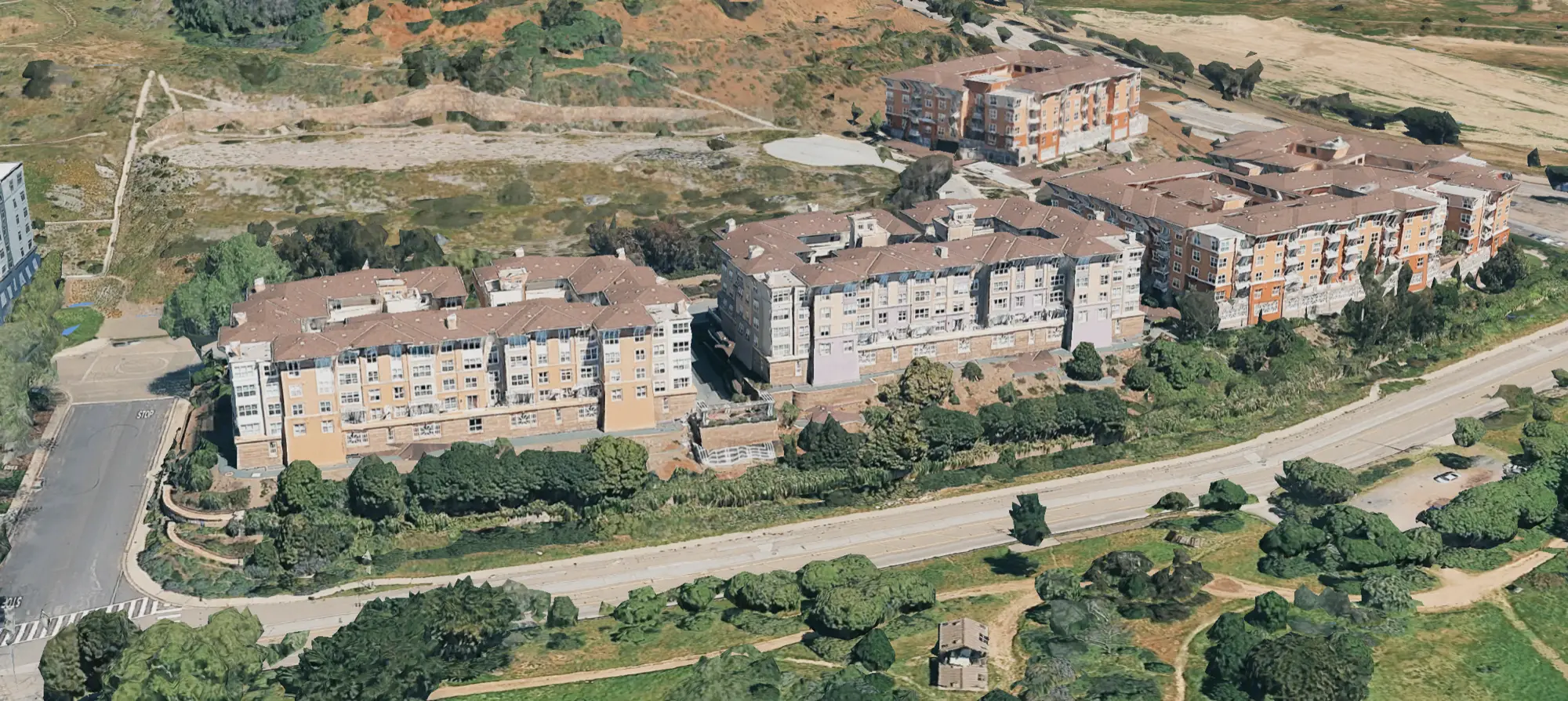
CleanPowerSF's EV Charge SF program funds EV charging at multifamily buildings (5+ units) like The Cove, up to $120,000 per project, through the property owner or HOA. We file the HOA packet, handle permits, provide the program documentation, and get you charging.
First-come, first-served program · CSLB C-10 #1134931 · Free quotes · No obligation
From scan to charging, usually in a week.
Most installs at pre-wired and sub-metered buildings move fast once HOA approval is in.
Register
Send your details, a panel photo, and your usage. We check how the building's EV Charge SF status applies to you.
Same-day responseAssessment
We confirm your panel, the run, and the simplest path to a clean install.
Within 2 to 3 daysPermit & install
We file the §4745 packet, pull the permit, and install in one visit.
Owner on-siteInspection
City sign-off, charger commissioned with Tesla, app connected, and you're charging.
Documentation delivered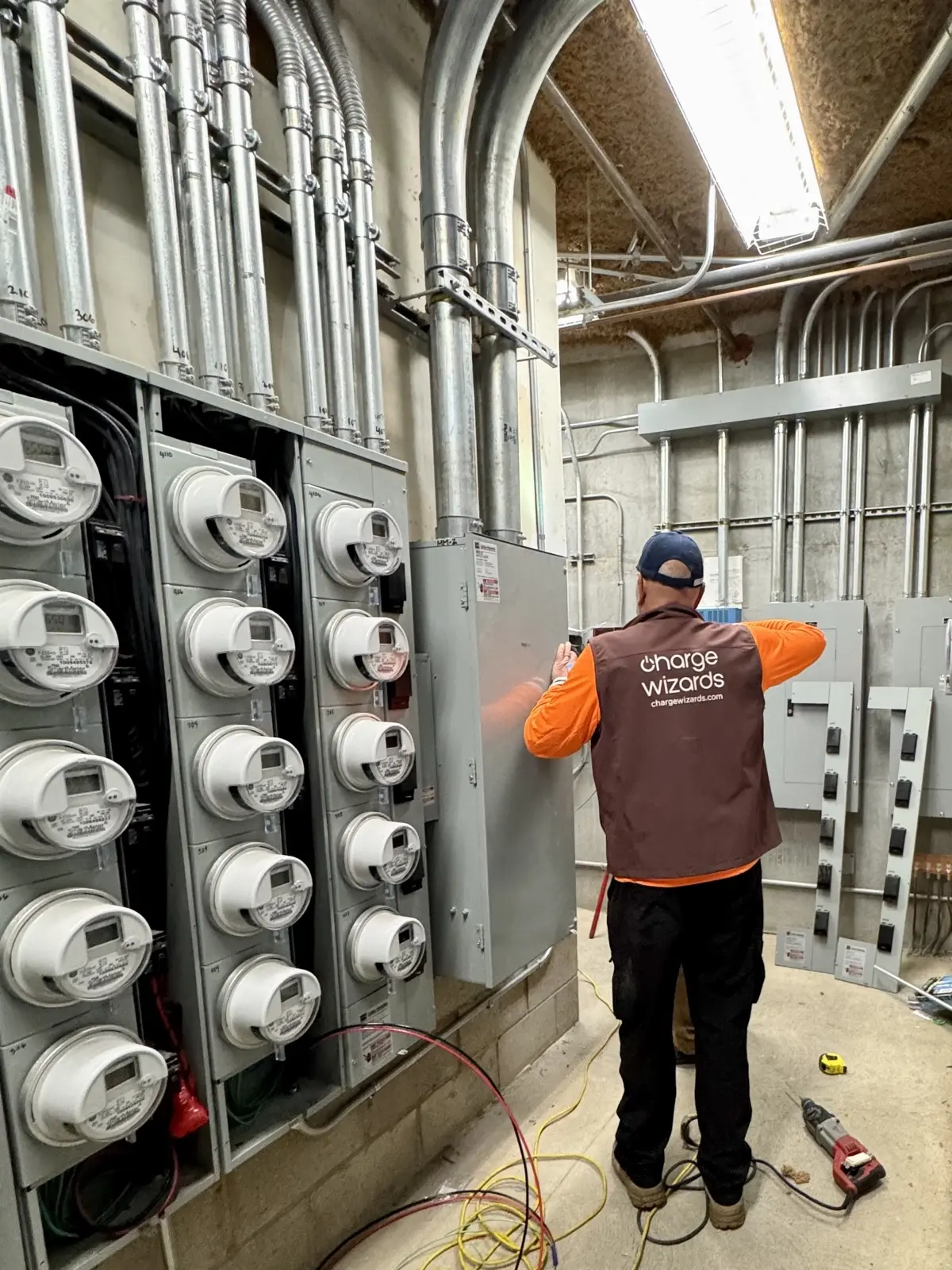 📍 Our crew at The Cove · main electrical room
We've already worked your building.
The Cove is individually sub-metered, so every unit has its own meter on the house panel. We've installed in this exact room, so we know how a clean, code-compliant EV install goes in here.
- We know where your meter and conduit runs are.
- We tie into your sub-meter, billed to you, not the HOA.
Why we ask for a photo and your usage.
It's the same first step our techs take on every job, so we arrive with the right solution already worked out.
A photo of your sub-panel
One clear photo of your breaker box (door open if you can) tells us your amperage and whether we can save you a costly panel upgrade.
Your PG&E "Green Button" data
Your actual usage lets us run a real load calculation, so the install is sized right and passes inspection the first time.
Register for your install.
Two minutes. No obligation. We'll review your building's EV Charge SF status and the simplest path to install.
By submitting you agree to be contacted about your installation. Rebate eligibility, amount, and availability depend on EV Charge SF program rules, building conditions, and remaining funds. Not a guarantee of approval or of any specific amount.
Rebate disclaimer: ChargeWizards can provide documentation such as your invoice, permit, and installation photos to help support a rebate application, but we do not guarantee any rebate, eligibility, or amount. Rebate programs and funding change often and can end without notice, so please confirm eligibility and apply directly with the program administrator. Program information last checked September 26, 2026.